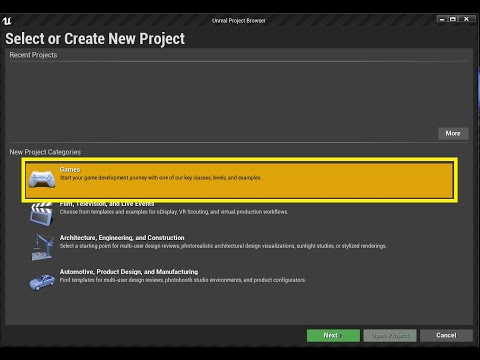
The First Steps in making a Space invaders clone in UE4 Using Blueprints OR C++
This video begins both Options!
This series will require no Art assets.
No previous knowledge required.
Please do comment below tell us what your thinking! Join us on Discord!
A big thanks to all the Firebeard Family and Patrons for making me love what I do and do what I love!
So I'm going to assume that you already have the Unreal Engine Installed.
If not you can download it by going to the Epic Games or Unreal Engine website and clicking the download button in the top right corner.


In the Top Left Corner, I'm going to File menu then open New Map.

Once we have loaded in, it still hasn't given us an empty project.
When we hit play you get some sort of spectator camera that doesn't quite convenience our project.
The first thing we are going to do is fix that.


Right Click in the Content Browser, Create a New Blueprint.

New Blueprint type Game Mode base.

Name it MyGM or MyGameMode.
This Game mode class is going to handle the rules for the game and what classes are in involved in various gameplay elements.
We are now going to tell the engine to use our newly created game mode by clicking the Blueprint Button on the top centre of the screen.
At the bottom second one up, We have the Override.
In here we are going to select My Game Mode.

Double Click to open it in the editor

Right, now all we are going to do is tell it that we don't want the default pawn and set that to none.
We can't adjust the Player Controller yet because we don't have one to switch to and none isn't an option.
Then Compile and Save that.

Now we right click in the Content Browser go blueprint, then Blueprint Class.

Then select Player Controller.
We're going to call it MyPC

Then we need to nip back into the Game Mode and set the Player Controller to the newly created MyPC class

Now when we click play we truly have nothing.

Dark's Unreal Tutorial Series - Part 02 (BP or C++) = Space Invaders Clone - Setting the Scene


No comments:
Post a Comment